You shipped a design system. Who’s actually using it?
Component Atlas scans your React codebase with the TypeScript compiler — not a text search — and shows every component, every prop, and every value your team actually passes. Commit by commit.
npx @component-atlas/cli scan --entry src/index.tsx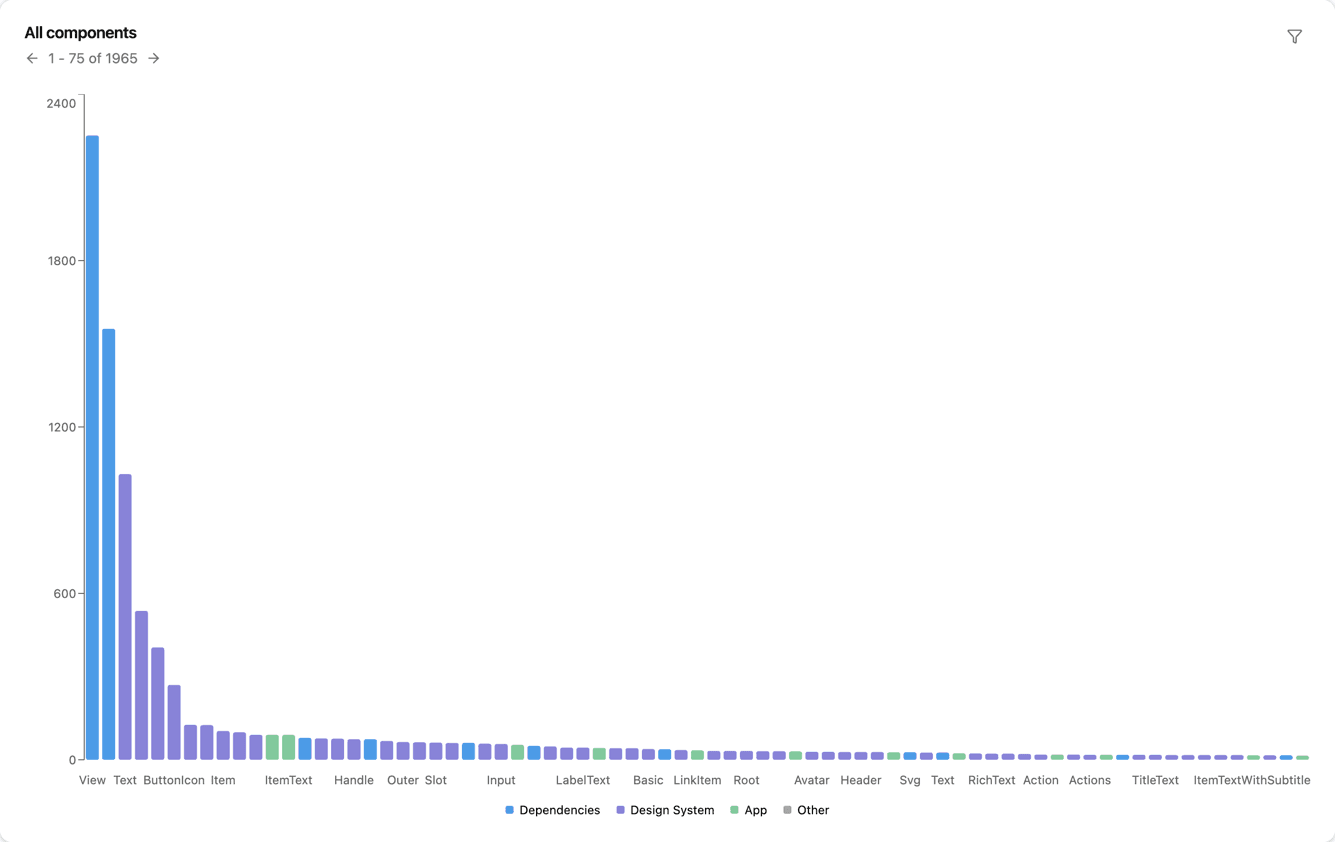
Three questions you get asked. Three you can’t answer.
Is anyone using it?
You can count the imports. You can’t count the renders — and you can’t tell your Button from the one someone re-declared in a feature folder.
Can I change this prop?
Changing a prop means finding every call site. Not just the ones that import it directly: the aliases, the re-exports, and the components reached through a namespace.
Are we done migrating?
Six months into replacing the old component, the honest answer is “mostly”. There is no number, so there is no way to tell progress from stalling.
See what your team actually renders
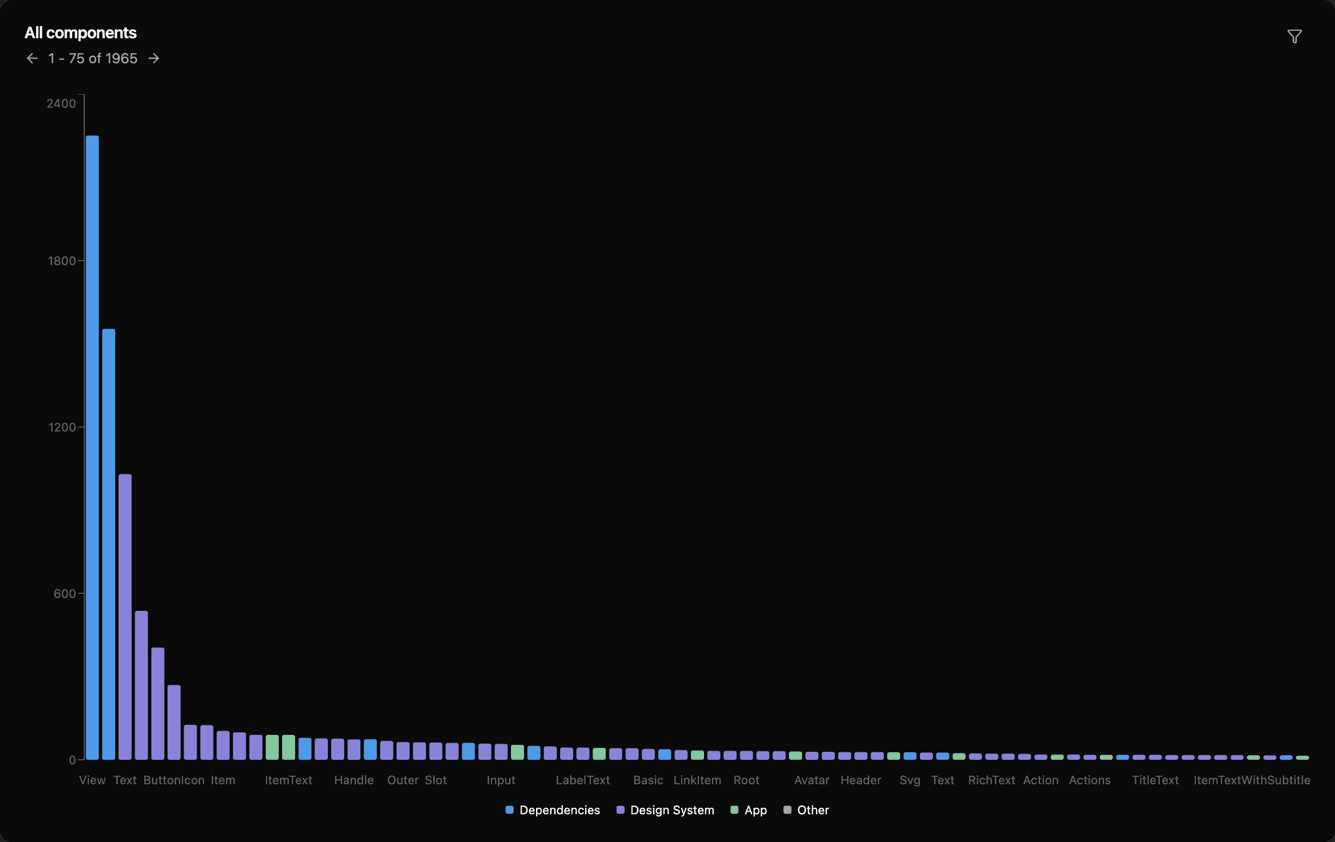
Every component in your codebase, ranked by how many times it is rendered. Group them with globs — your design system, your app code, your dependencies — and the ratio you have been estimating becomes a number you can put in front of a stakeholder.
Click any bar to open that component, filter to one group, or hide the components used exactly once.
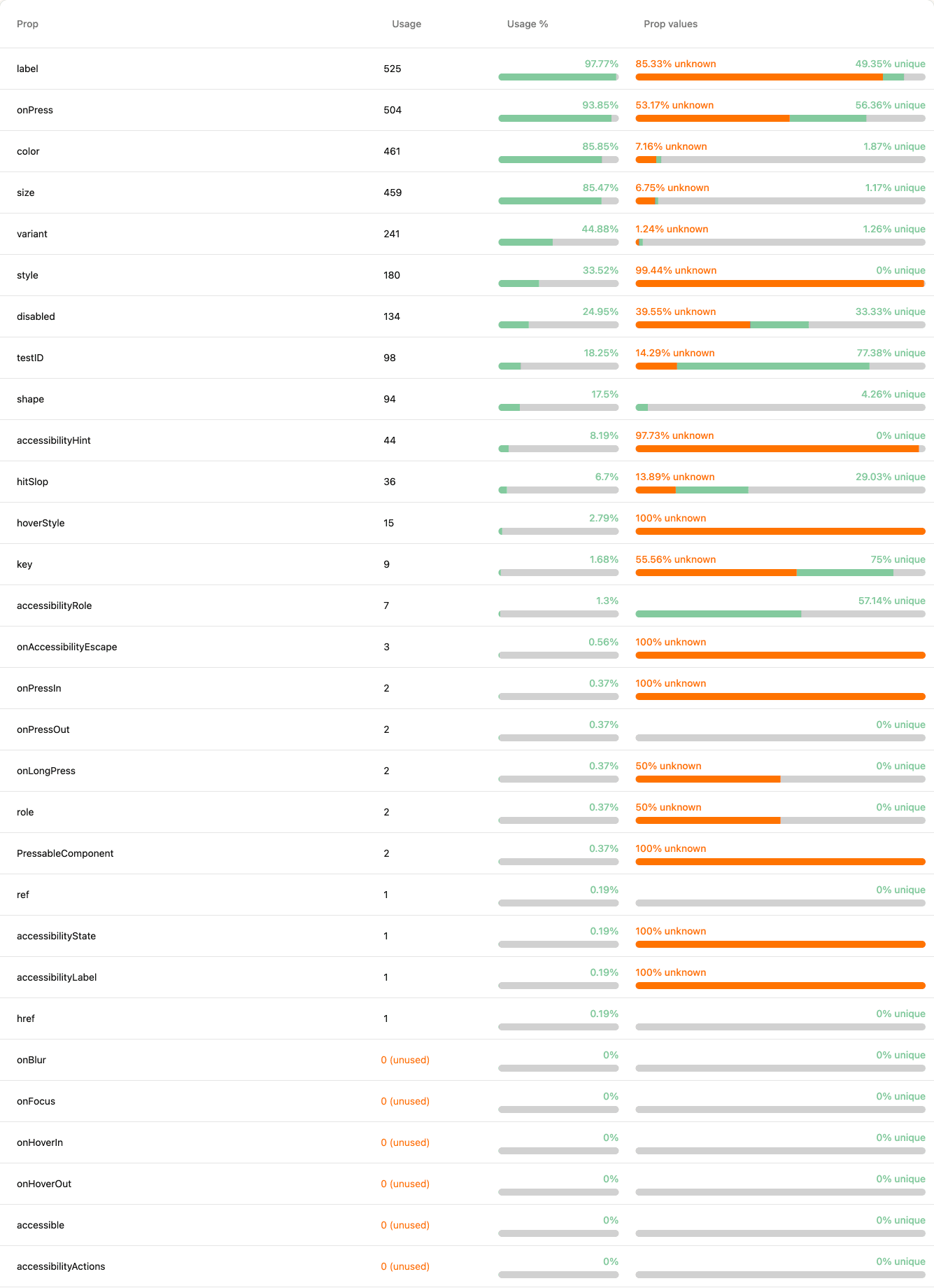
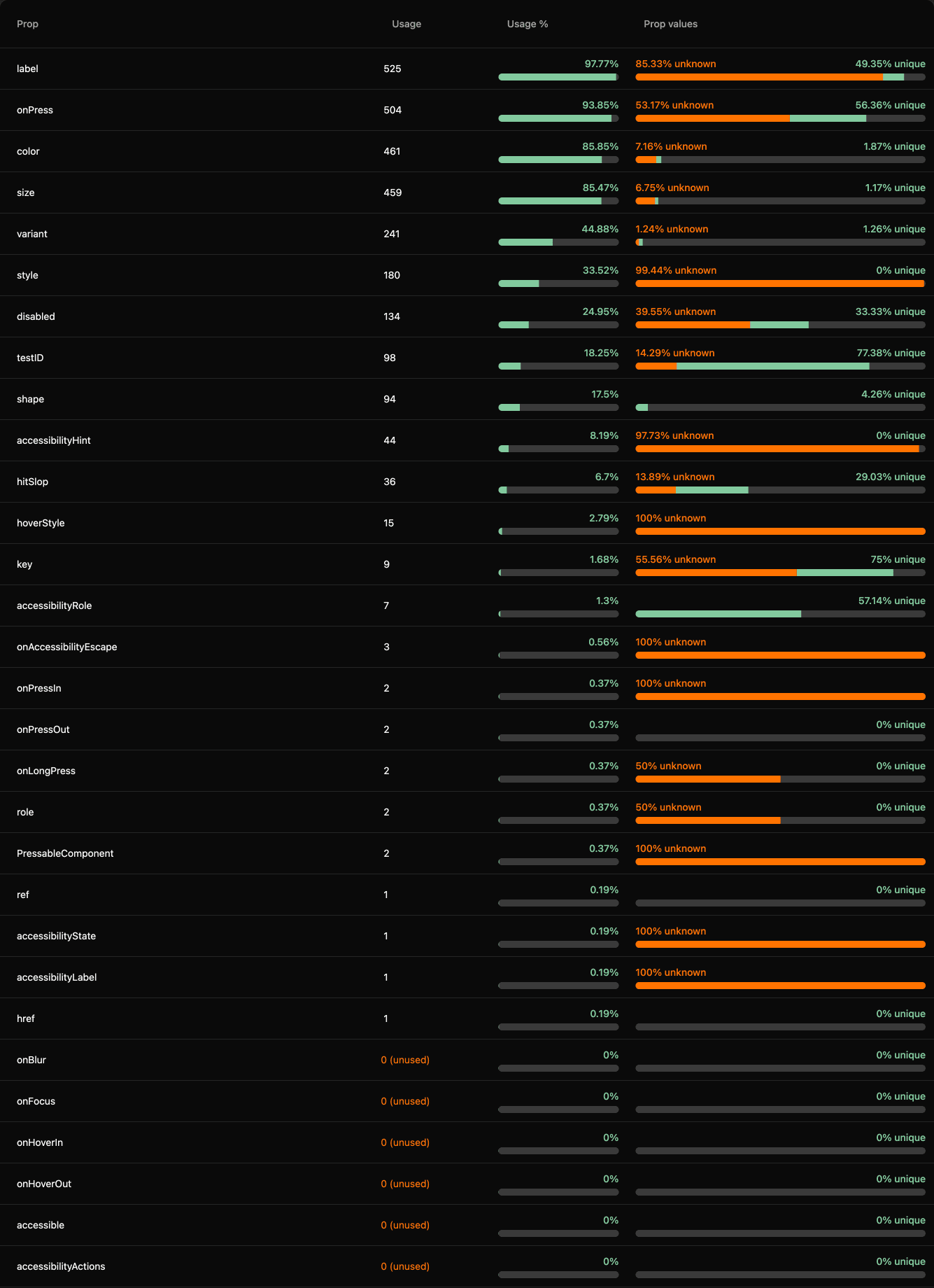
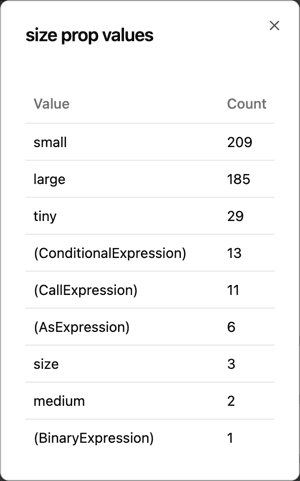
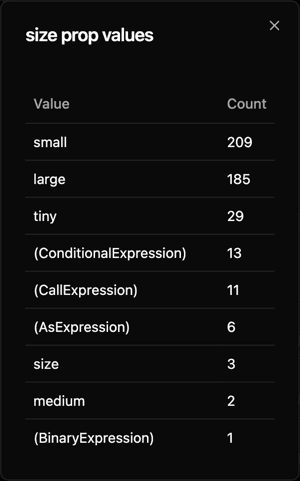
You shipped four sizes. medium is used twice.
For every prop on every component: how many call sites pass it, how many never do, and the values they actually pass. Where a value is computed rather than literal, it is counted as unknown rather than quietly dropped. The props nobody has ever used are flagged in place — that is the API surface you can drop.
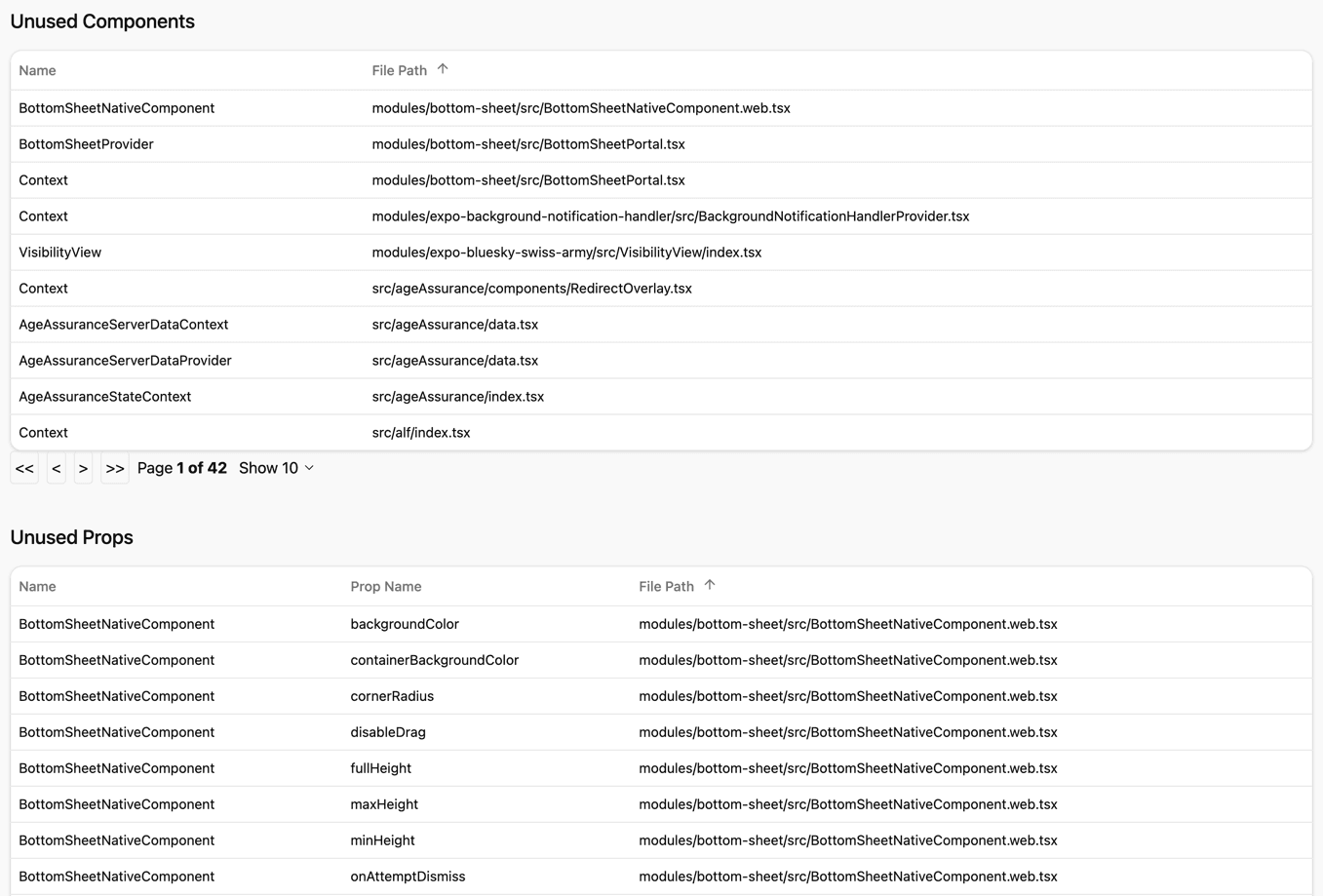
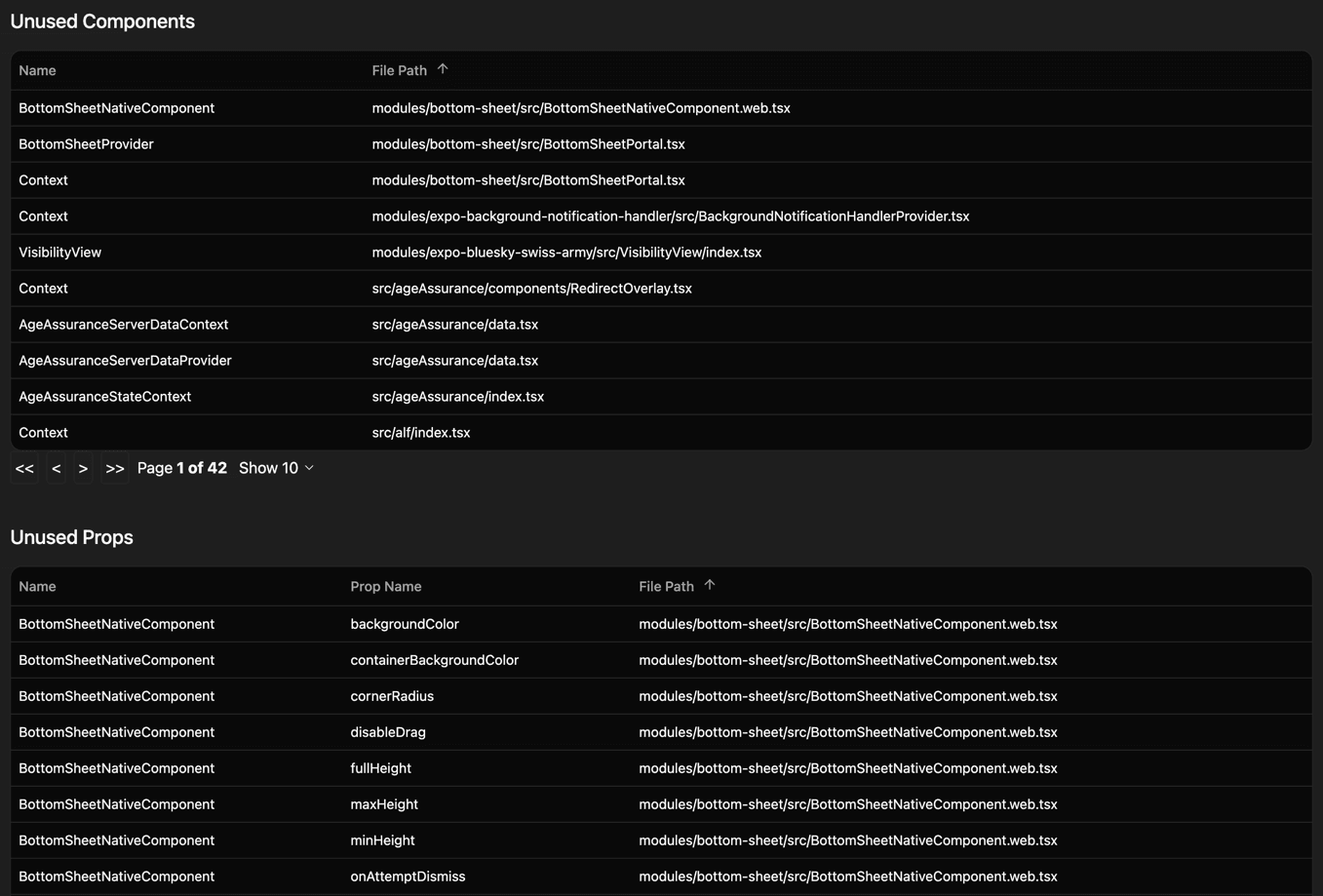
Dead code you can actually delete
Components nobody renders and props nobody passes, for the whole program rather than the file you happen to have open. The confidence comes from how the scan works — which is the next thing everyone asks.
Why not just grep?
Because a text search matches names, and React apps rename things.
A component reached through a namespace
// ui/Card.tsx
export const Card = { Header: CardHeader };

// screens/Profile.tsx
<Card.Header title="Profile" />
Text search: Searching for CardHeader finds where the collection is built, but never the render — <Card.Header /> does not contain the string, so the component looks unused.
Component Atlas: Resolves Card.Header to CardHeader where it is declared, and counts the render against it.
An aliased re-export
// ui/index.ts
export { Button as PrimaryButton } from "./Button";

// screens/Settings.tsx
<PrimaryButton size="sm" />
Text search: Searching for Button matches IconButton, ButtonGroup and every comment mentioning buttons. It matches this line too — but it cannot tell you PrimaryButton is Button, so the render never counts towards Button’s total.
Component Atlas: Follows the alias back to Button in ui/Button.tsx and counts one render, with size=“sm” recorded against it.
The scanner runs against your own tsconfig.json using your own TypeScript install, so what it resolves is what your compiler resolves.
The whole app, one picture
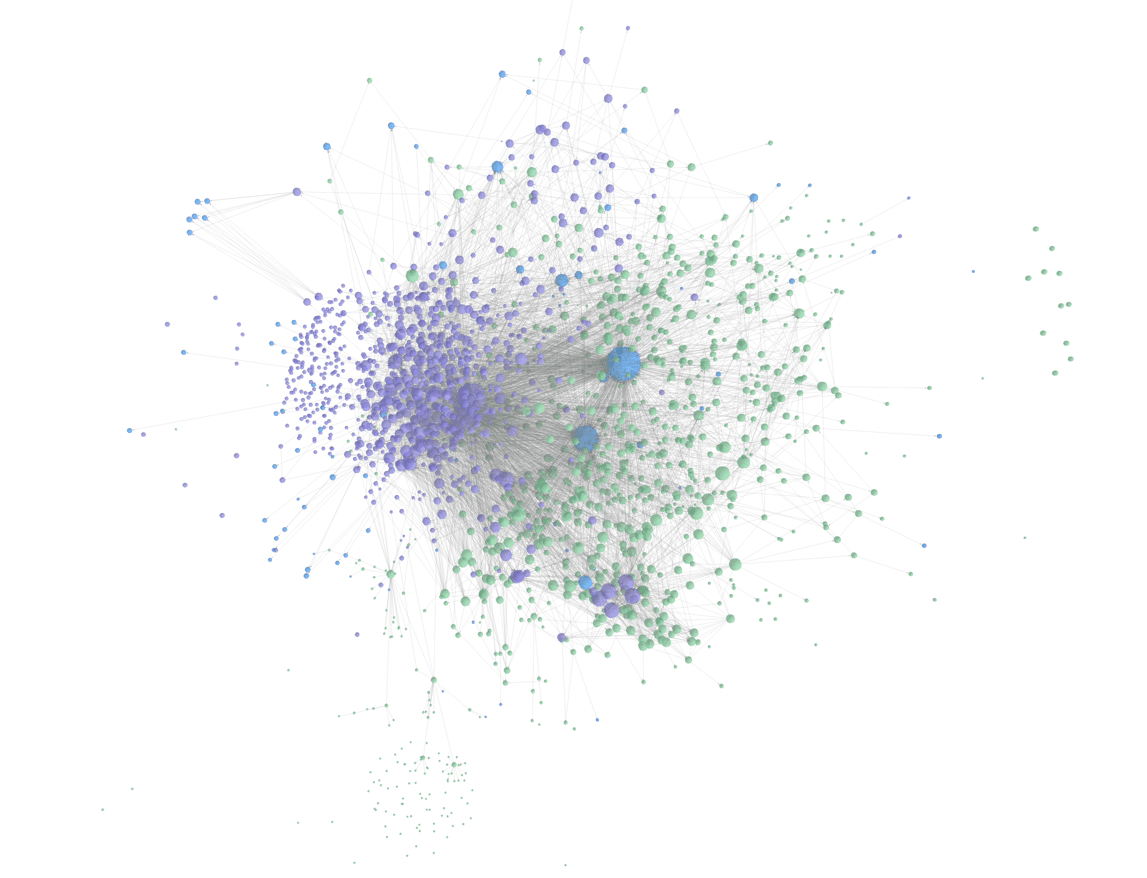
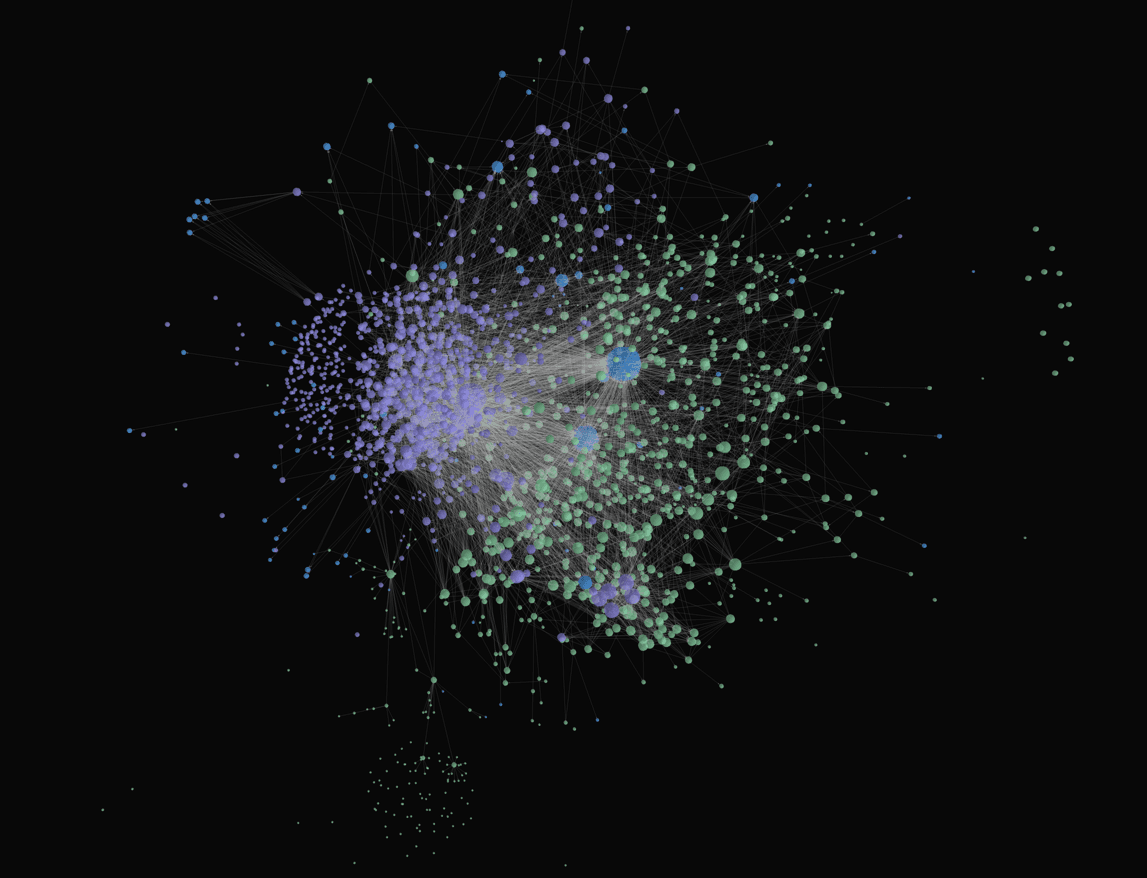
Every component and every render relationship, force-directed and coloured by group. This is the Bluesky app: 1,965 components and 12,219 renders, scanned with one command. Zoom into a cluster and you find a feature. Find a component floating on its own and you have found something nobody calls.
Or just the part you touch
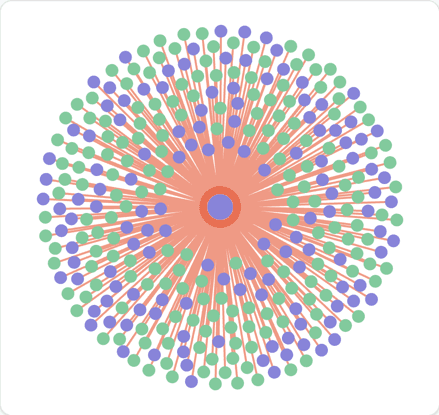
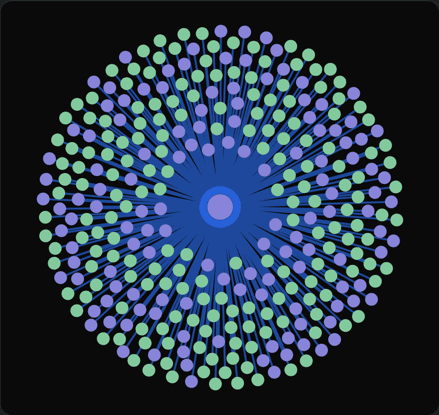
On any component’s page, the same graph scoped to one question: what renders this, and what does it render? That is your blast radius, before you change the prop rather than after.
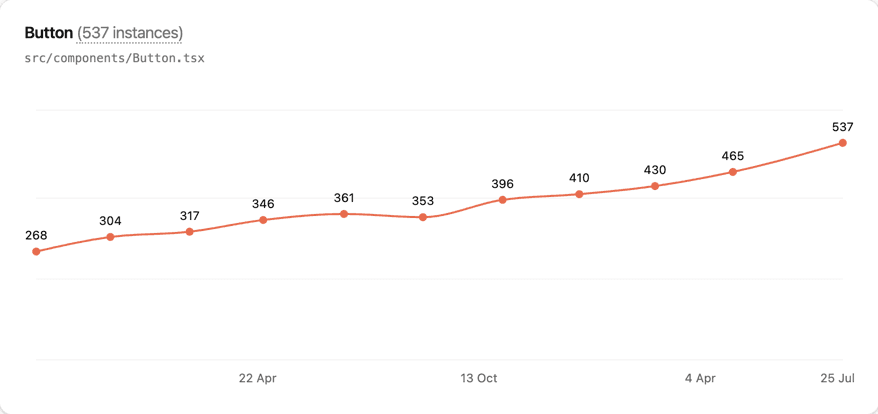
Every commit is a snapshot
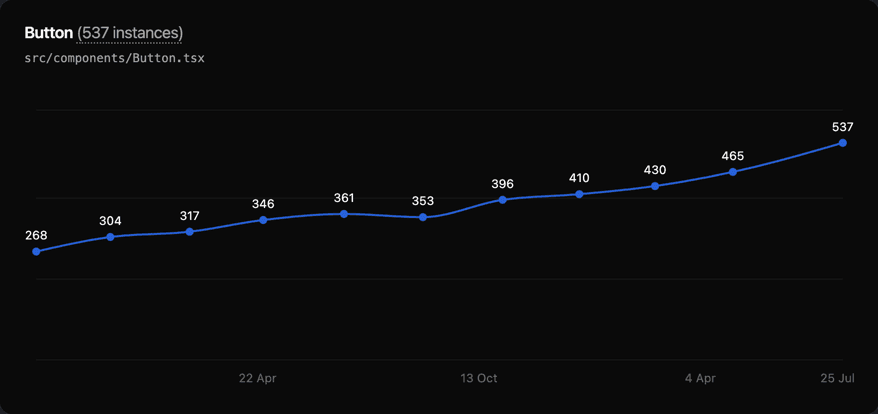
Adoption stops being a feeling and becomes a line you can point at: Button went from 268 renders to 537 across these eleven scans. Scan on each commit and the history fills itself in — run it in CI and nobody has to remember.
Your source code never leaves your machine
The scanner runs locally, against your own config. What it uploads is a list of what it found: file paths, component names, line numbers, prop names, and the prop values as written — together with the commit the scan belongs to and when it ran.
{
  "src/components/Button.tsx": {
    "components": {
      "Button": {
        "componentName": "Button",
        "knownProps": ["variant", "size", "onPress"],
        "instances": [
          {
            "filePath": "src/screens/Profile.tsx",
            "lineNumber": 142,
            "props": { "variant": "\"primary\"", "size": "\"sm\"" },
            "callingComponentName": "ProfileHeader"
          }
          …
        ]
      }
    }
  }
}
One component from the payload, abridged for length.
Prop values are included because they are what makes the value distributions possible. They are the expressions as written in your JSX — not runtime data, and never the file contents around them.
Start free. Upgrade when your team does.
One project free, forever. No credit card to get your first map.
Free
- Included: 1 Project
- Included: 2 Team members
- Included: 20 Snapshot history
- Included: Unlimited components
- Not included: Rolling snapshot history
- Not included: MCP server for coding agents
Starter
- Included: 3 Projects
- Included: 5 Team members
- Included: 100 Snapshot history
- Included: Unlimited components
- Included: Rolling snapshot history
- Included: MCP server for coding agents
TeamMost popular
- Included: Unlimited projects
- Included: Unlimited team members
- Included: 500 Snapshot history
- Included: Unlimited components
- Included: Rolling snapshot history
- Included: MCP server for coding agents
Enterprise
- Included: Unlimited projects
- Included: Unlimited team members
- Included: Unlimited snapshot history
- Included: Unlimited components
- Included: Rolling snapshot history
- Included: MCP server for coding agents
Find out what your team is really using
One command against your codebase, and the first map is there.
Start free